For developersUpdated October 2026
Hand Claude Code real work, and trust what comes back.
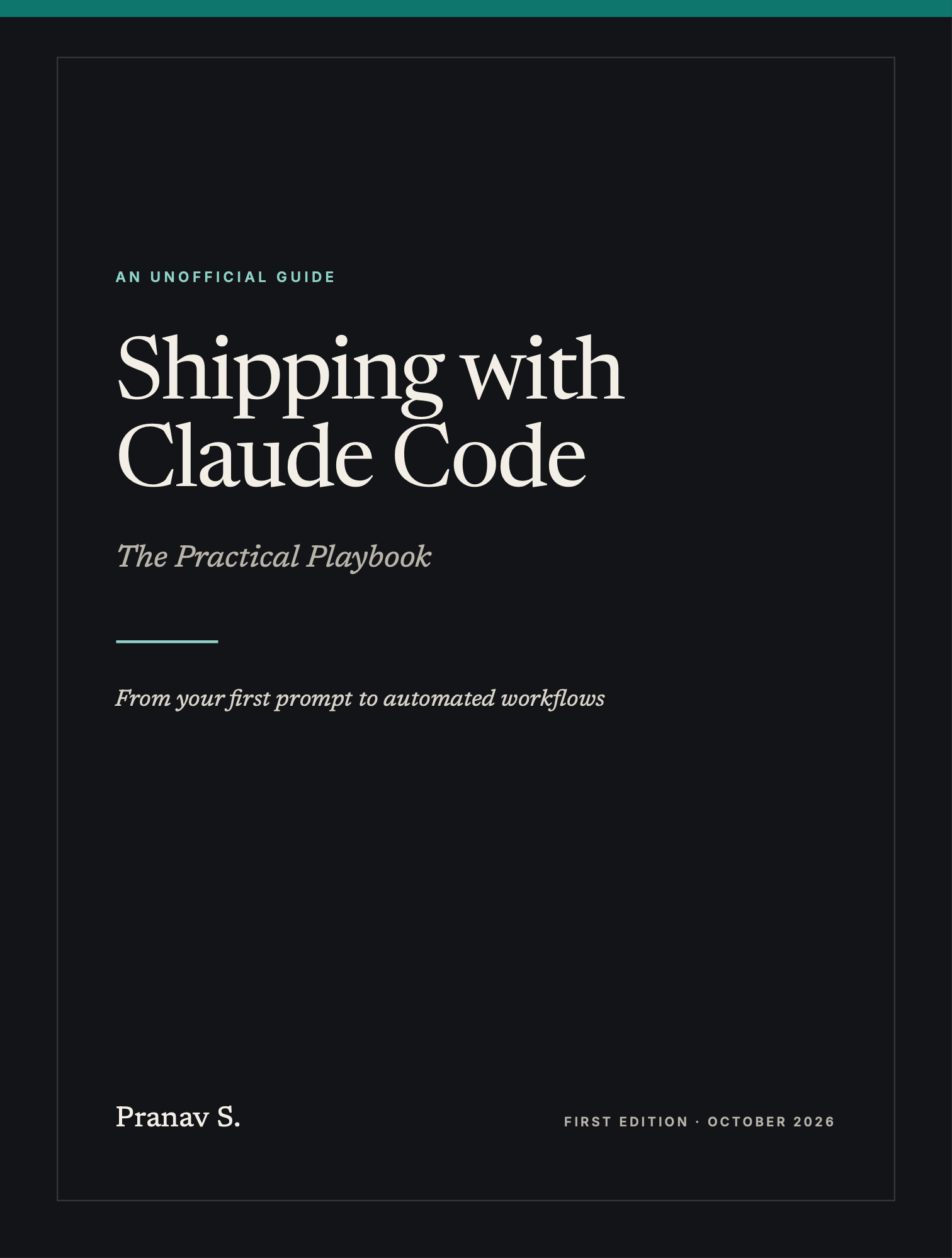
Shipping with Claude Code is a practical playbook for developers and technical founders: the prompts, project setup and habits that make Claude Code reliable, from your first session to team-wide automation.
- Pages
- 452
- Chapters
- 19
- Appendices
- 6
- Format
Why this book
If Claude Code feels hit-and-miss, it’s usually one of three things.
- 01
“It solved the wrong problem.”
A vague prompt sends Claude exploring, and it acts on its best guess. You spend the next hour correcting a finished change.
Chapter 4Prompts that name the files, the constraints and the check.
- 02
“You fixed that mistake yesterday.”
Every session starts fresh. Unless the rule is written down where Claude reads it, you’ll be correcting it again tomorrow.
Chapter 5A CLAUDE.md that gets better with every correction.
- 03
“It says done. It isn’t.”
Without a way to check its own work, every bug Claude can’t see becomes a bug you have to find, describe and send back.
Chapter 6Explore, plan, code and verify, with Claude running the checks.
“The biggest gains rarely come from clever prompts. They come from making the work easy to check.”
The core of the book
Four habits that do most of the work
Every chapter comes back to them. Chapters 4, 5 and 7 cover them in full, with prompts to copy, common mistakes and a ten-minute exercise.
- 1
Brief it
One prompt names the files, the pattern to follow and how to check the result.
- 2
Teach it once
The first time you correct Claude, the correction becomes a rule in CLAUDE.md.
- 3
Start fresh
Clear before unrelated work and compact at milestones, so Claude stays sharp and cheap.
- 4
Save points
Commit on a branch whenever the checks pass, so a bad turn costs minutes, not an afternoon.
What’s inside
From your first prompt to automated workflows
Five parts, written to be read in order or dipped into when you need them. Every chapter ends with prompts to copy, common mistakes and an exercise you can do on your own project the same day.
Two example projects run through the book: Folio, a small Next.js storefront built from scratch in Chapter 12, and Relay, an eight-year-old Django app for the chapter on legacy code.
Part I3 chaptersFoundationsWhat Claude Code is, how to set it up, and your first real task from start to finish.
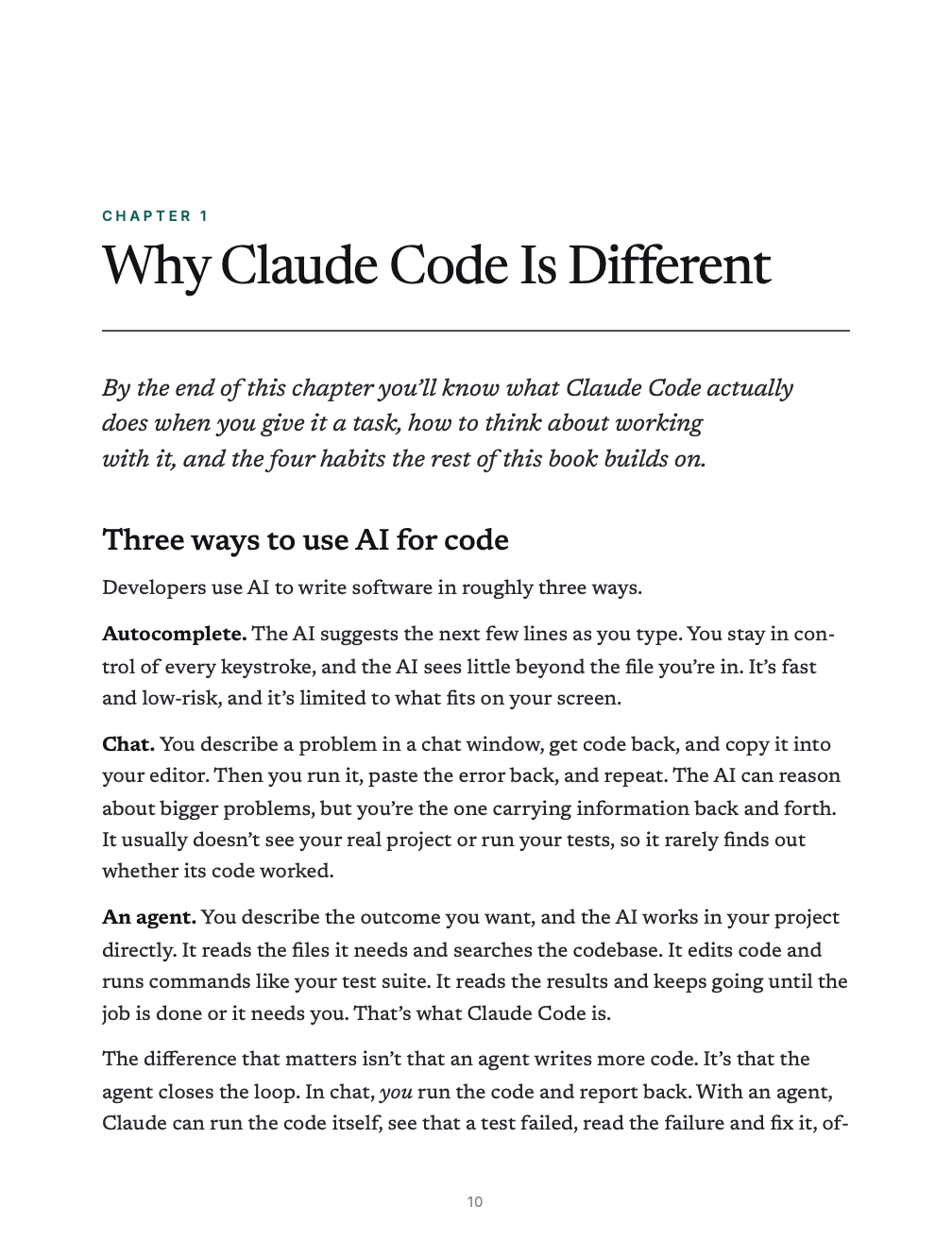
- 1Why Claude Code Is DifferentBy the end of this chapter you’ll know what Claude Code actually does when you give it a task, how to think about working with it, and the four habits the rest of this book builds on.
- 2Setup in 15 MinutesBy the end of this chapter you’ll have Claude Code installed, signed in and checked. You’ll know your way around a session, which model and permission mode to start with, and how to set up your terminal so longer prompts are easy to write.
- 3Your First Real TaskThis chapter takes one small, real change from start to finish: understanding the code, writing a CLAUDE.md, making the change, reviewing it, verifying it and committing it. By the end you’ll have run the loop that the rest of the book builds on.
Part II4 chaptersThe Core WorkflowPrompts, project memory, the explore → plan → code → verify loop, and staying in control. If you read only one part, read this one.
- 4Prompts That WorkBy the end of this chapter you’ll be able to write a prompt that gets a job done in one pass, because it names the files, sets the boundaries and tells Claude how to prove the work is finished. You’ll also know how to point Claude at evidence, size a task, steer it mid-task and ask for deeper thinking when a problem is hard.
- 5CLAUDE.md: Teaching Claude Your ProjectBy the end of this chapter you’ll have a short, accurate `CLAUDE.md` that tells Claude how your project works, and a habit that keeps it improving: every correction you make becomes a rule Claude follows in every later session. You’ll also know where the file can live, what belongs in it and what to leave out.
- 6Explore → Plan → Code → VerifyBy the end of this chapter you’ll be able to take any change that matters through Claude Code’s core loop: explore the code, agree on a plan, let Claude build it in small steps, and have it prove the result works. You’ll also know which steps a small change can safely skip.
- 7Staying in ControlBy the end of this chapter you’ll know how to review what Claude changed, stop it when it drifts, undo a bad step, and keep its working memory clean so quality holds up through a long day. It’s also the deep dive on Habits 3 and 4, Start fresh and Save points, and it ends with how to keep your own skills sharp.
Part III4 chaptersPower FeaturesSkills, subagents, hooks, MCP and plugins: the tools that fit Claude Code to your project and your team.
- 8Slash Commands and SkillsBy the end of this chapter you’ll know the built-in commands worth using every day, and you’ll be able to turn a prompt you keep retyping into a skill: a saved set of instructions you run as a command, or that Claude loads on its own when your request fits. You’ll leave with a working Folio skill, a second one for release notes, and ideas for eight more.
- 9Subagents and Parallel WorkBy the end of this chapter you’ll be able to hand side work to subagents so your main session stays focused, and write your own reviewer and test-writer subagents. You’ll also be able to run independent tasks side by side in git worktrees, then clean up afterward.
- 10HooksBy the end of this chapter you’ll be able to make Claude Code do certain things every time instead of most of the time: format each file it edits, refuse to touch your secrets or push to `main`, and keep working until the type check passes. You’ll also know how to test a hook and how to judge whether someone else’s hook is safe to run.
- 11MCP and PluginsBy the end of this chapter you’ll be able to connect Claude Code to tools outside your project, such as GitHub, a browser, a database and your error tracker, and share those connections with your team. You’ll also know what each connection costs in context and risk, and how to package your team’s skills, hooks and servers into a plugin.
Part IV6 chaptersReal-World PlaybooksStep-by-step approaches for the work you actually do: new apps, legacy code, debugging, frontend, testing and review, and how the approach changes by industry.
- 12Build an App from ZeroThis chapter follows one product from idea to launch: Folio, a small storefront that sells a downloadable PDF guide. You’ll see the prompts, the decisions and the checks at every step, from the first spec interview to a live test purchase, and you can reuse the same sequence for your own app.
- 13Taming a Legacy CodebaseLegacy code is where Claude Code can save you the most time, and where a careless change can do the most damage. This chapter shows how to get oriented in a large, old codebase, make it safe to change, and then change it in small, verified steps.
- 14DebuggingClaude is a fast, patient debugger when it has evidence to work from and a way to tell whether a fix worked. This chapter gives you a repeatable process: gather evidence, reproduce, isolate, fix, and keep it fixed. It also shows what to do when Claude starts going in circles.
- 15Frontend WorkFrontend work is where Claude most needs to see what it’s doing. This chapter shows how to give Claude eyes, turn a design into code, run a screenshot-compare-fix loop, stay inside your design system, check layouts and accessibility, and lock in the result with visual regression tests. The examples use Folio’s landing page and checkout flow from Chapter 12.
- 16Proving It Works: Tests, Review and PRsWhen Claude says a task is done, that’s a claim. This chapter builds five steps of verification that prove it, each catching what the one before it misses, and shows you which tests to write at which level, what to look for in AI-written code, and how to turn finished work into clean commits and pull requests.
- 17Playbooks by IndustryThe core loop doesn’t change from one industry to the next, but what counts as “checked” does. This chapter shows what to verify, what to guard and what to keep in human hands in six common domains.
Part V2 chaptersScaling UpAutomation, teams, cost and security: running Claude Code beyond a single session on a single laptop.
- 18Automation and TeamsBy the end of this chapter you’ll be able to run Claude Code from scripts and CI, schedule cloud work, keep long unattended runs safe and start a custom agent with the Agent SDK. You’ll also know how to roll it out to a team, so that what one person teaches it helps everyone.
- 19Cost, Security and Anti-PatternsThis chapter covers the two things that decide whether Claude Code is sustainable for you and your team: what it costs, and what it can touch. You’ll learn where tokens go and how to spend fewer of them, how to measure whether you’re improving, how to lock down permissions and secrets, and the ten mistakes that cause most problems.
Reference6 appendicesAppendicesKeep these open while you work.
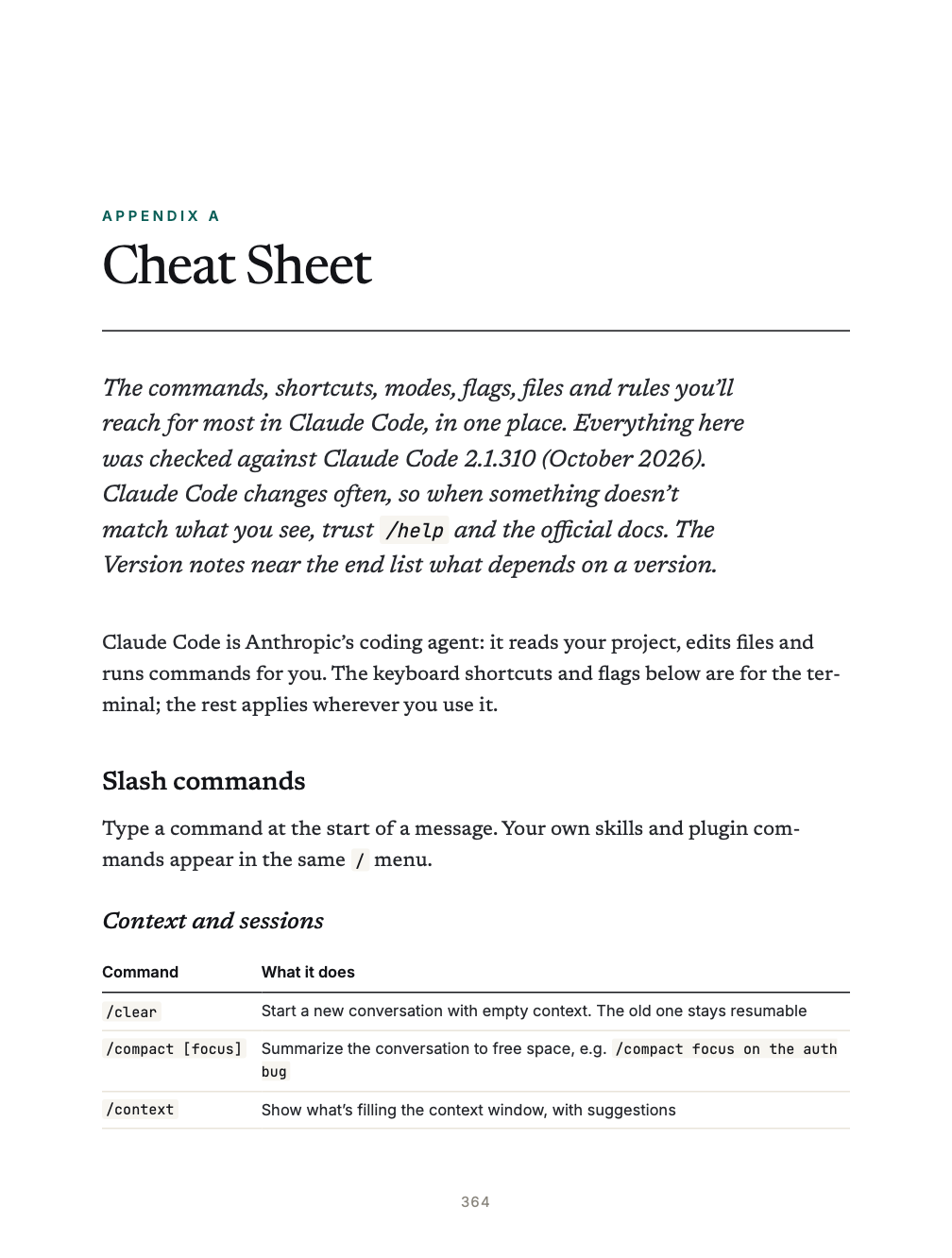
- ACheat Sheet
- B50 Prompts to Copy and Paste
- CCLAUDE.md Templates
- DReady-Made Hooks, Skills and Subagents
- ETroubleshooting and Glossary
- FSources
Also in the book
- Afterword: Keep Going
Look inside
A few pages from the book.
This book is for you if…
- You write code, use git and work in a terminal
- You’ve tried Claude Code and the results were mixed
- You use it daily and suspect you’re missing most of what it can do
- You’re rolling it out to a team and want shared habits and settings
It’s probably not for you if…
- You don’t write code and don’t plan to. Claude Code for Non-Coders is written for you
- You want AI theory or how language models work
- You need an exhaustive reference. Use the official docs alongside it
Free sample
Read it before you buy it.
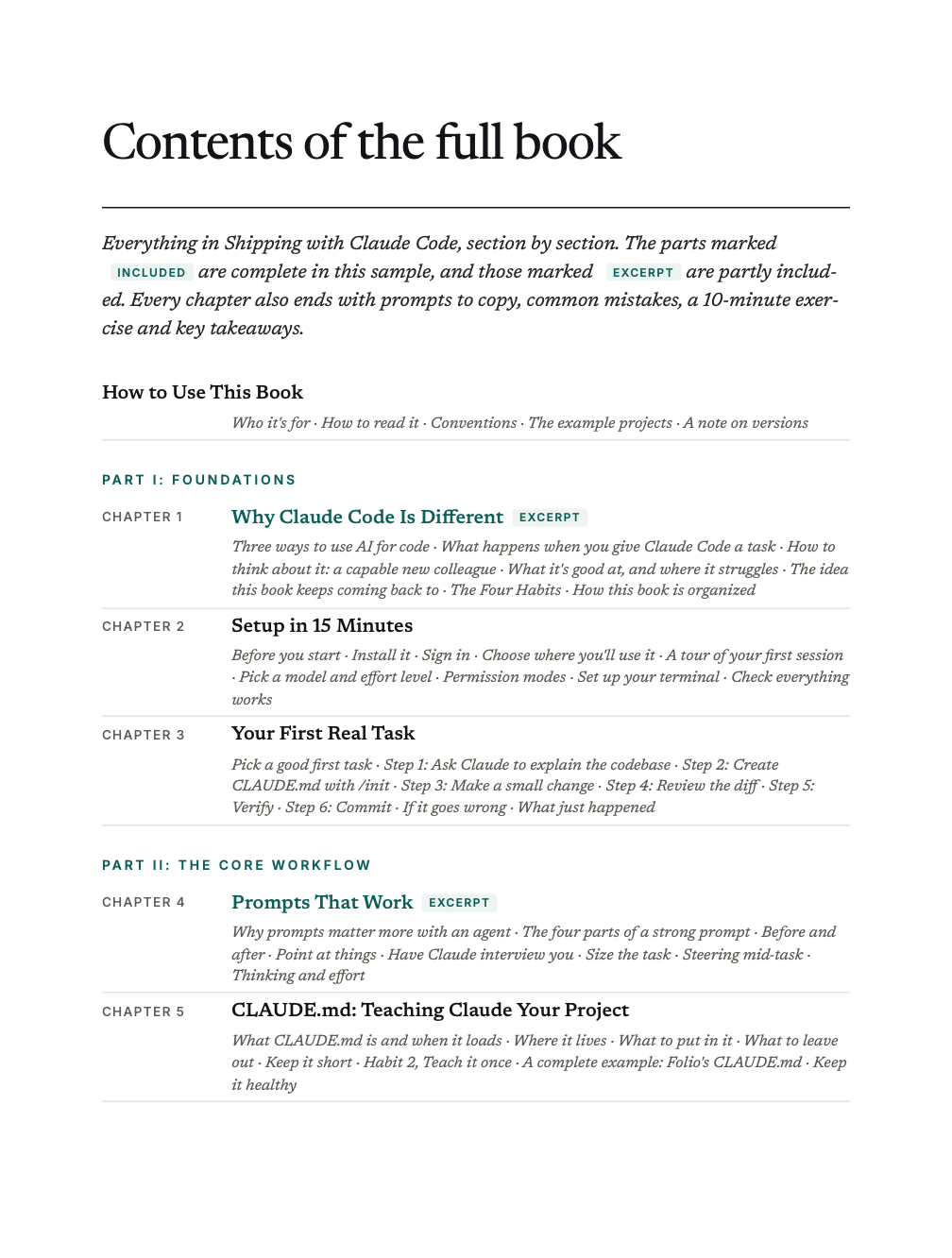
The full contents, section by section, plus these pages from inside the book:
- Chapter 1Why Claude Code Is Different, including the Four Habits
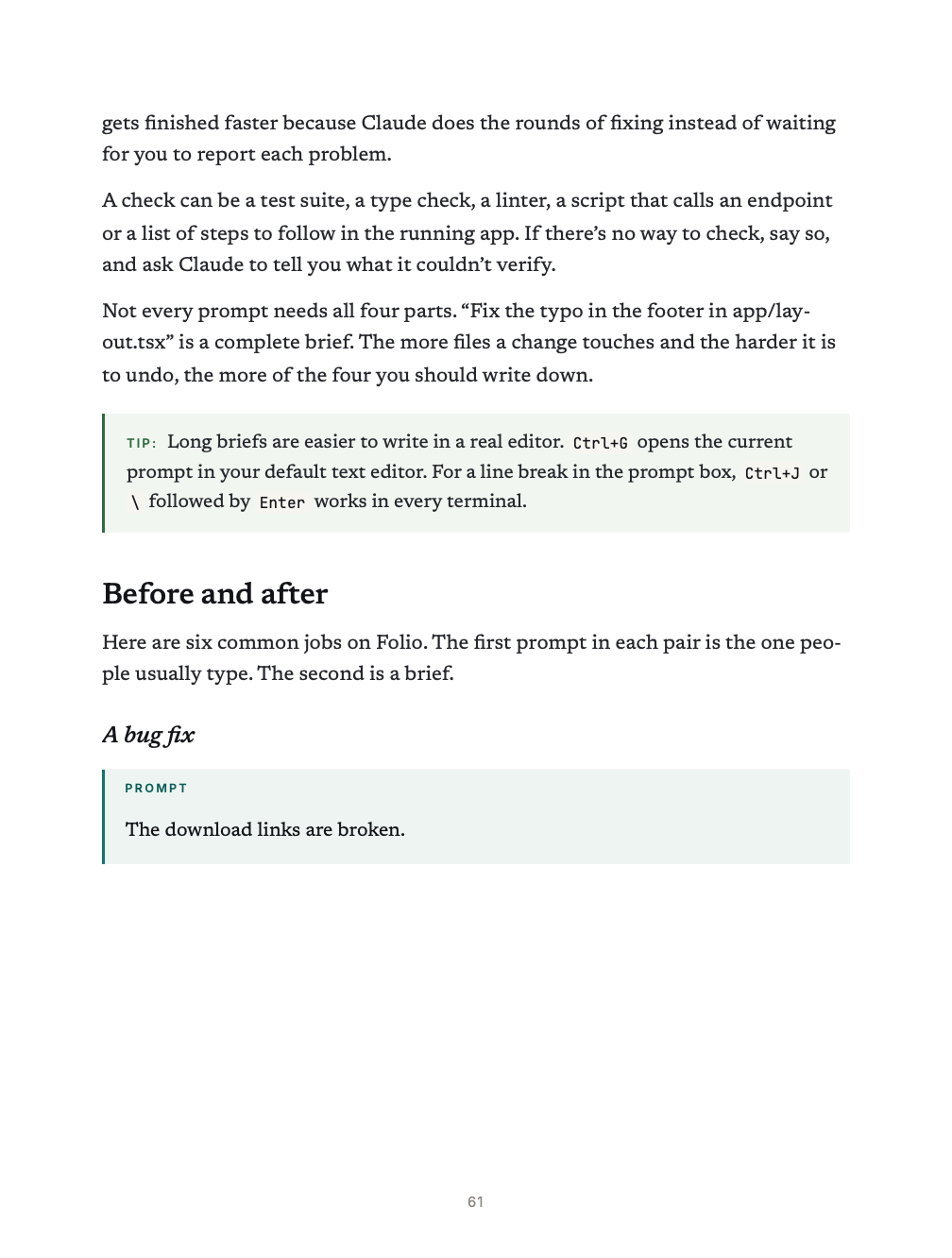
- Chapter 4Prompts That Work: the four parts of a strong prompt and six before-and-after rewrites
- Chapter 14When Claude goes in circles, from the debugging playbook
- Chapter 19The ten most common mistakes, and their fixes
- Appendix BThe first 8 of the 50 prompts to copy
A 28-page PDF. No email or sign-up needed, and you’re welcome to share it as long as it stays unchanged and free. See the privacy policy.
The complete book
Shipping with Claude Code
The Practical Playbook
- The full 452-page PDF with clickable bookmarks
- 19 chapters, from setup to team automation
- 50 prompts to copy, six CLAUDE.md templates, and ready-made hooks, skills and subagents
- Companion files: every hook, skill, subagent, template and script, ready to copy into your project
- A troubleshooting guide and a cheat sheet to keep open while you work
Checkout opens soon. In the meantime, the free sample is yours to read and share.
Read the free sample Setting Claude Code up for colleagues or clients who don’t code? Get all four books togetherThe author
Pranav S. is an independent author. Shipping with Claude Code is a practical guide to getting reliable, repeatable results from Claude Code, written for developers and technical founders who want prompts, settings and workflows they can use the same day.
Its commands, flags and settings were checked against Anthropic’s official documentation as of October 2026.
Questions
Before you buy.
Is this an official Anthropic book?
Which version of Claude Code does it cover?
Who is it for?
Do I need a paid Claude plan?
What do I get, and how is it delivered?
Can I pay in my own currency?
What if it isn’t for me?
Start with your next task.
452 pages · 19 chapters