For people who don't codeUpdated October 2026
Build the tool you need, and know it works.
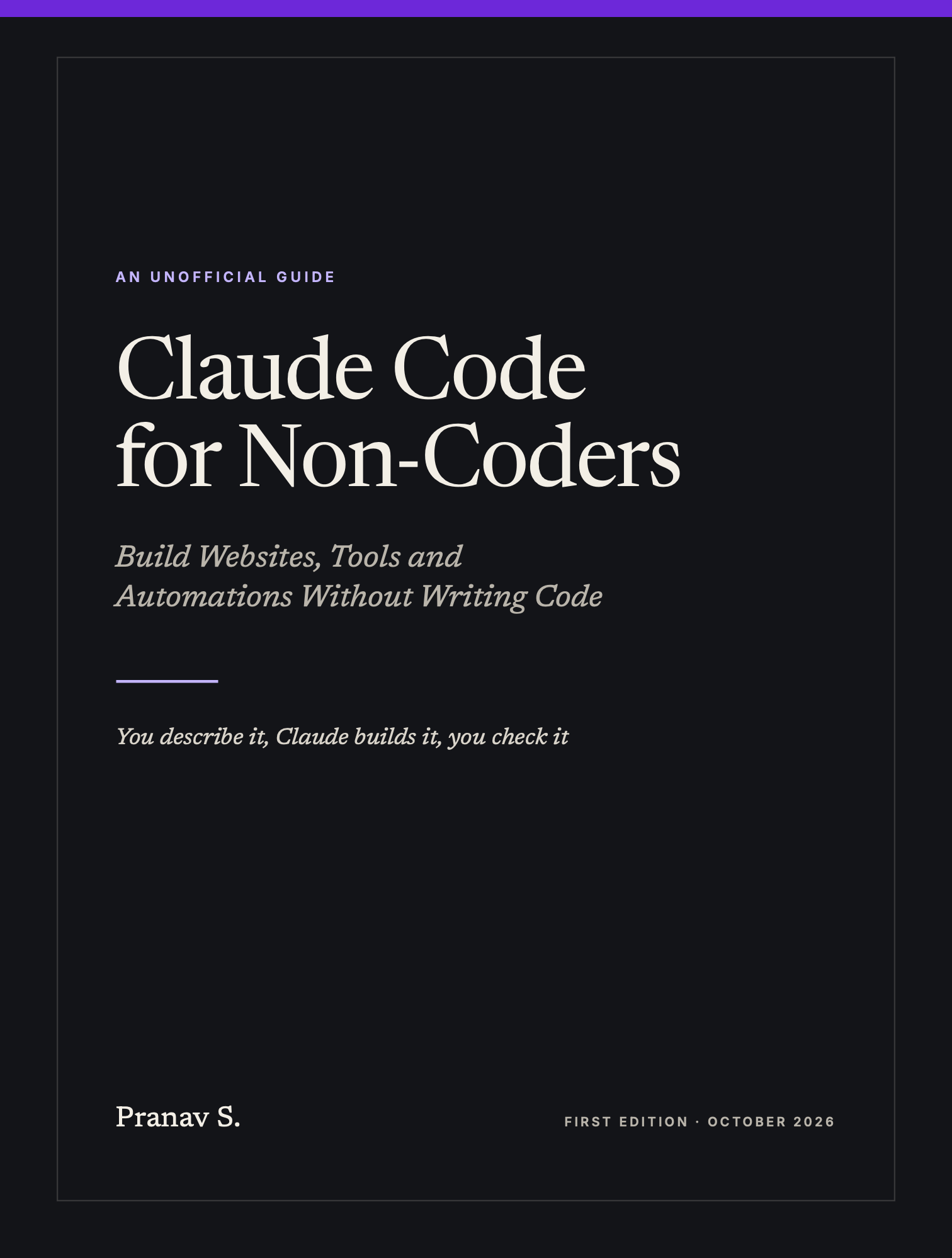
Claude Code for Non-Coders is a practical guide for founders, PMs, operators, marketers, creators and analysts: how to describe what you want, have Claude Code build it in the desktop app, and check the result without reading a line of code.
- Pages
- 263
- Chapters
- 13
- Appendices
- 5
- Format
Why this book
When building with AI goes wrong, it’s usually one of three things.
- 01
“That’s not what I asked for.”
A vague request makes Claude guess, and its sensible defaults aren’t your defaults. You spend the next hour saying “no, not like that”.
Chapter 4Requests Claude can build from, with screenshots, sample files and an interview.
- 02
“It looks done. Is it right?”
A page that loads isn’t a page that works. A total can be wrong or a form can lose sign-ups, and nothing on screen tells you.
Chapter 5Checking the work without reading code, with a one-page checklist.
- 03
“It worked yesterday.”
One change breaks something else, each fix touches a little more, and you can’t tell what moved.
Chapters 6 and 7Saved versions, project notes and a way out of a session that’s going in circles.
“You don’t need to read code to know whether something works.”
The core of the book
Four habits that do most of the work
The whole book builds on them. You can start all four today, and each gets a fuller treatment later, with prompts to copy, common mistakes and a ten-minute exercise.
- 1
Brief it
Say what you want, who it’s for, give one example, and say how you’ll know it works.
- 2
Teach it once
When you correct Claude, have it write the correction into the project notes so you never say it twice.
- 3
Start fresh
When you move to something unrelated, start a new session.
- 4
Save points
When something works, save a version before you change anything else.
What’s inside
From your first request to work others rely on
Four parts, written to be read in order or dipped into when you need them. Every chapter ends with prompts to copy, common mistakes and a ten-minute exercise you can do on your own project.
Five example projects for made-up businesses run through the book: a quote calculator for a window cleaner, a prototype and waitlist page for a meal-planning app, a weekly sales report for a candle company, a portfolio site for a photographer and survey analysis for a bakery.
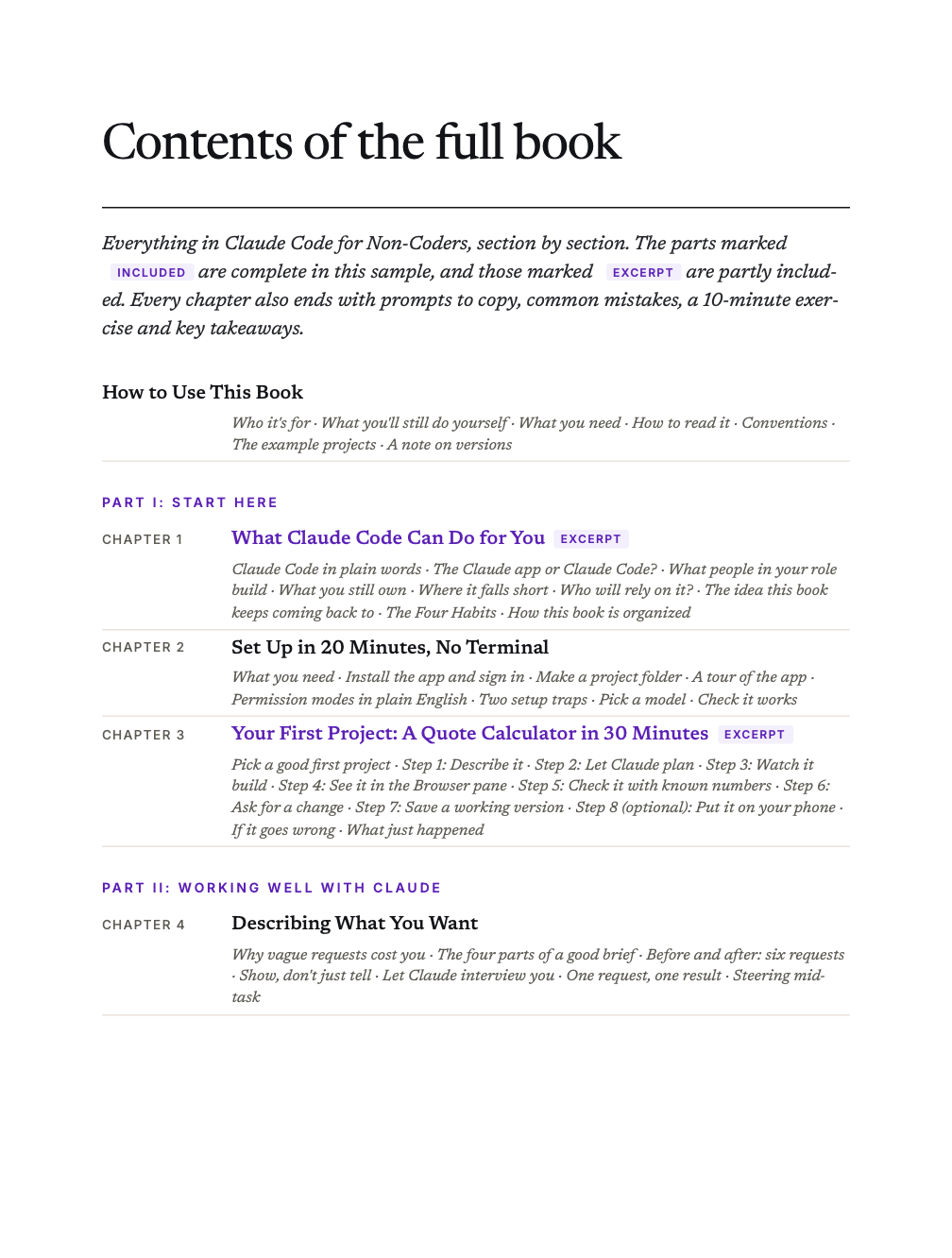
Part I3 chaptersStart HereWhat Claude Code can do for you, how to set it up without a terminal, and your first project from start to finish.
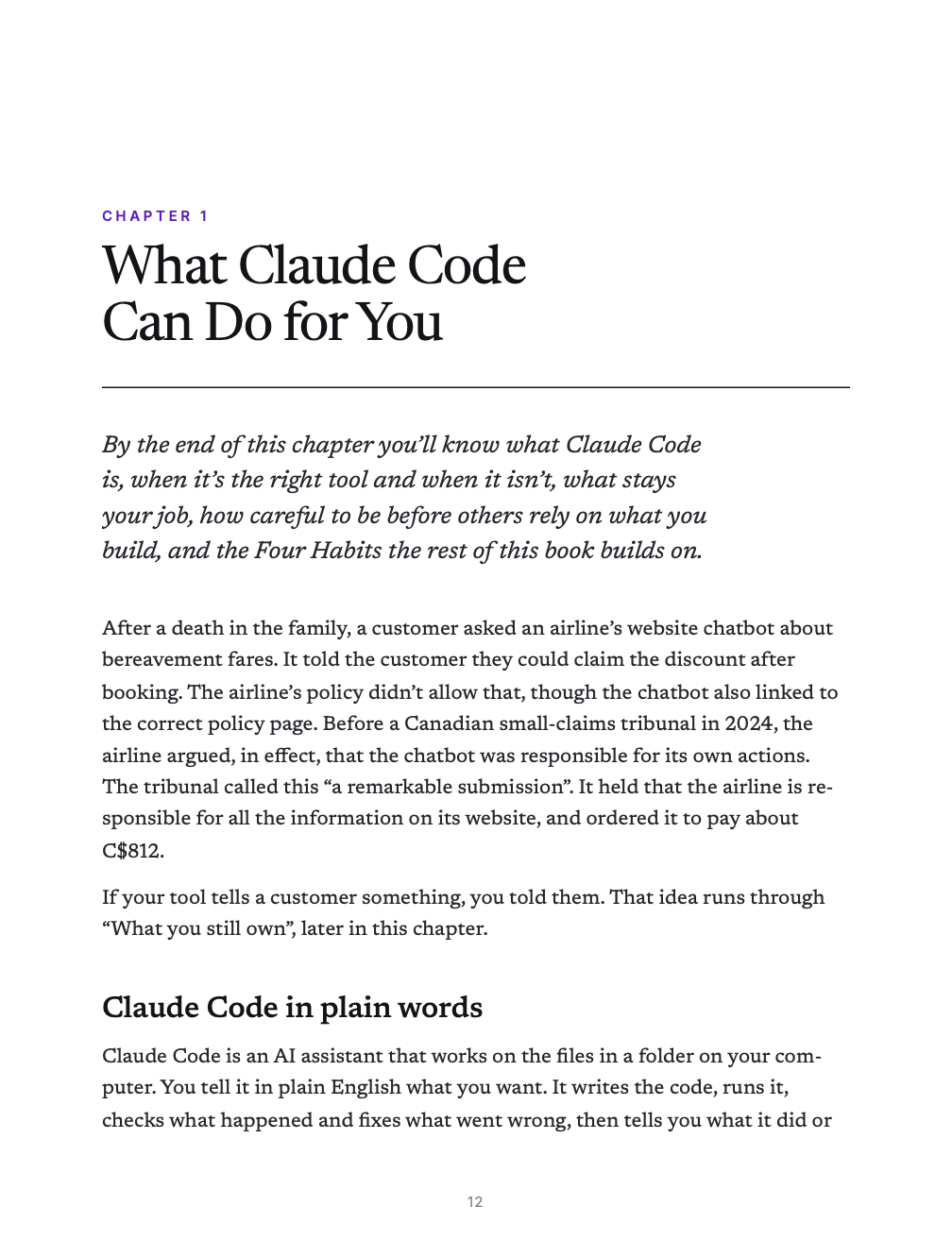
- 1What Claude Code Can Do for YouBy the end of this chapter you’ll know what Claude Code is, when it’s the right tool and when it isn’t, what stays your job, how careful to be before others rely on what you build, and the Four Habits the rest of this book builds on.
- 2Set Up in 20 Minutes, No TerminalBy the end of this chapter you’ll have the Claude desktop app installed, a project folder ready and the safest permission mode switched on. You’ll also send a first request that proves everything works, without typing a single command into a terminal.
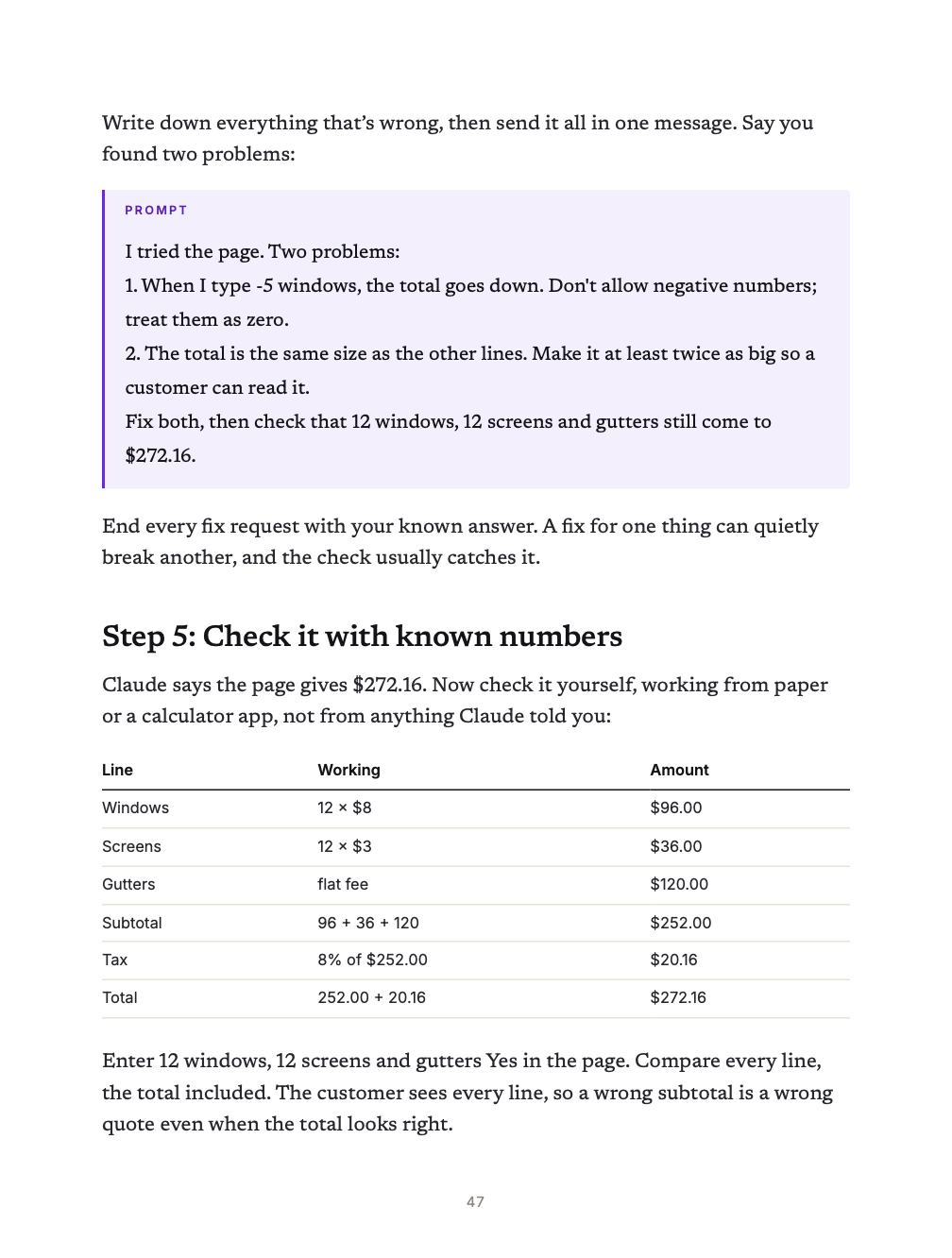
- 3Your First Project: A Quote Calculator in 30 MinutesIn this chapter you’ll build a working quote calculator from one written brief, check it against numbers you worked out yourself, change it and save a version you can always go back to. Along the way you’ll learn the loop that carries you through every project in this book: describe, build, check, save.
Part II4 chaptersWorking Well with ClaudeDescribing what you want, checking the work without reading code, project notes and saved versions, and what to do when things go wrong. If you’re short of time, don’t skip this part: everything after it depends on it.
- 4Describing What You WantBy the end of this chapter you’ll be able to write a request Claude can build from without guessing, show it what you mean with screenshots and sample files, have it interview you when an idea is still fuzzy, and steer it when it heads the wrong way.
- 5Checking the Work Without Reading CodeBy the end of this chapter you’ll be able to tell whether something Claude built actually works, by using it, comparing it with answers you trust, asking Claude for proof and reading the Changes card, all without reading a line of code. You’ll finish with a checklist to use on every project.
- 6Project Notes and Saved VersionsBy the end of this chapter your project will have notes that Claude reads at the start of every session, saved versions you can go back to, and a simple routine for starting fresh without losing anything. These are Habits 2, 3 and 4 from Chapter 1, put into practice.
- 7When Things Go WrongSomething will break, and that’s normal. By the end of this chapter you’ll know how to get any error explained, rescue a session that’s going in circles, find out why something stopped working, handle usage limits and know when to bring in a developer.
Part III4 chaptersPlaybooksStep-by-step approaches for four kinds of work: prototypes, automations, websites and data analysis. Read the one that fits your job first.
- 8Founders and PMs: Prototypes and MVPsBy the end of this chapter you’ll be able to build a clickable prototype for customer interviews, share it with a link, plan a waitlist page that really collects sign-ups, and write a spec and a handoff a developer can pick up. You’ll also know where to stop building and bring a developer in.
- 9Operators and Marketers: Automate the Repetitive WorkBy the end of this chapter you’ll be able to turn a job you do every week into a script that does it the same way every time, run it with one short request or on a schedule, and keep it working when the files you feed it change. You’ll also know when a one-off job belongs in the Claude app instead.
- 10Creators and Freelancers: Websites and Small ToolsBy the end of this chapter you’ll be able to take a website from brief to Browser pane, make it look right on a phone, and build small tools such as calculators and quizzes. You’ll also know how to share a page quickly, put a real site online step by step, and keep client work separate and private.
- 11Analysts: Data Files, Charts and Repeatable AnalysisBy the end of this chapter you’ll be able to turn a messy data file into clean data, charts and a summary you can audit, check the numbers without reading code, and rerun it all on next month’s file with one request. You’ll also know which data to keep out of your project folder altogether.
Part IV2 chaptersGoing Further, SafelySkills, connectors, schedules and the cloud, and the safety, privacy and cost habits that let you use them with confidence.
- 12Skills, Connectors, Schedules and the CloudBy the end of this chapter you’ll be able to turn a routine into a skill, connect Claude to other tools without giving away more access than the job needs, and keep scheduled work safe. You’ll also know when the cloud, your phone or running several jobs at once is worth the setup. Add each piece only when a real job calls for it.
- 13Safety, Privacy and CostBy the end of this chapter you’ll know which permission requests to approve and which to refuse, how to keep keys and other people’s data out of harm’s way, what to check before anything goes public or anyone else relies on it, and how to make your plan go further. It also gathers the ten mistakes this book has warned you about most.
Reference5 appendicesAppendicesKeep these open while you work.
- APlain-English Glossary
- B45 Prompts to Copy
- CProject Notes Templates
- DTroubleshooting in Plain English
- ESources
Also in the book
- Afterword: Keep Going
Look inside
A few pages from the book.
This book is for you if…
- You don’t write code, or haven’t in years
- You have a job a small tool could do: a calculator, a website, a weekly report, a cleaned-up spreadsheet
- You’re a founder or PM who wants a clickable prototype before you hire a developer
- You use the Claude app and want Claude to build things that run, not just answer questions
It’s probably not for you if…
- You’re a developer. Shipping with Claude Code is written for you
- You want to launch something that takes payments or handles sensitive data on your own. The book shows where to bring in a developer
- You want AI theory or how language models work
Free sample
Read it before you buy it.
The full contents, section by section, plus these pages from inside the book:
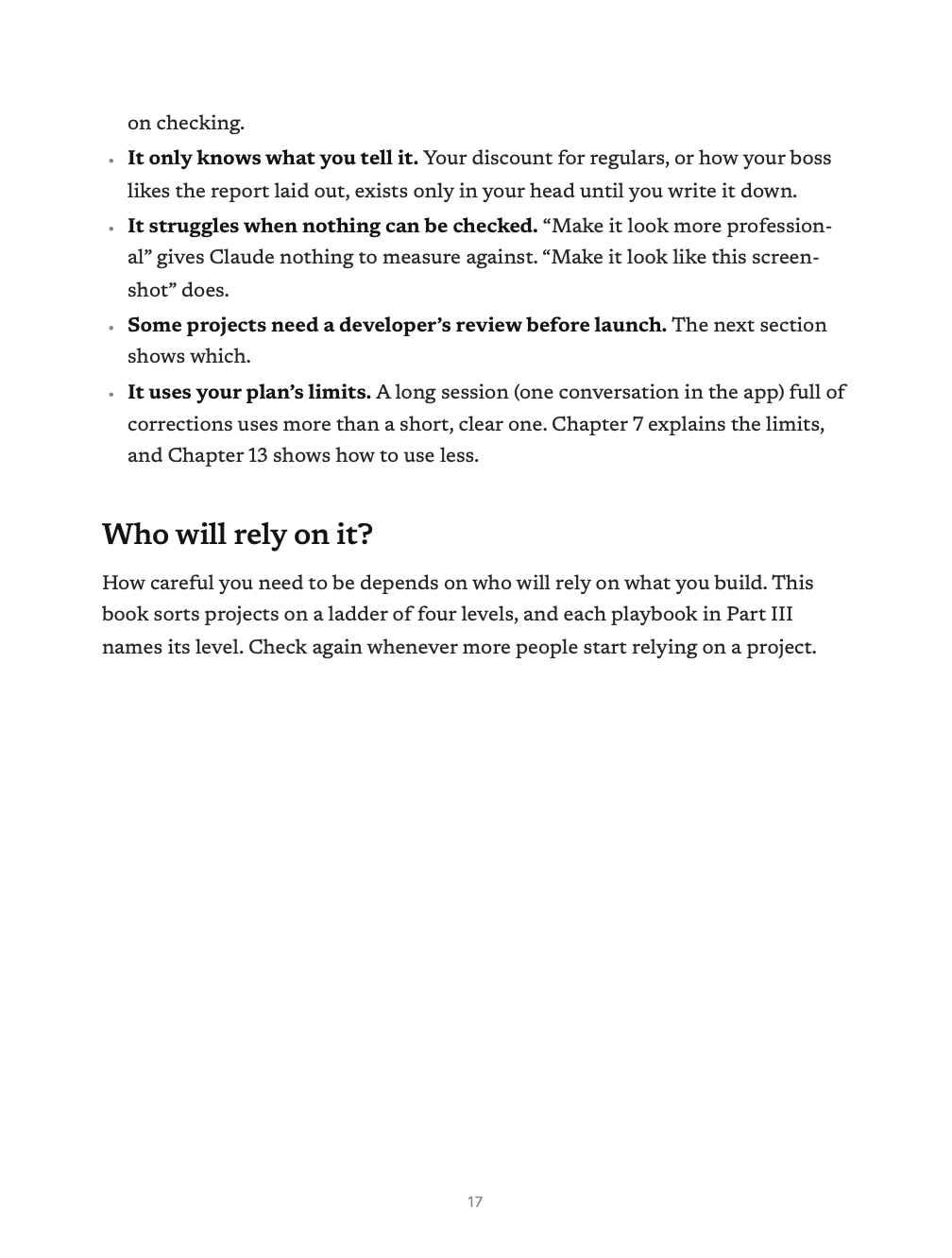
- Chapter 1What Claude Code Can Do for You, including the Four Habits
- Chapter 3Your first project: checking a quote calculator with numbers you worked out by hand
- Chapter 5The one-page checklist for checking Claude’s work without reading code
- Chapter 8Where not to do it yourself, from the founders and PMs playbook
- Chapter 13Which permission requests to approve, and the ten mistakes to avoid
- Appendix BThe first prompts from the 45 to copy
A 30-page PDF. No email or sign-up needed, and you’re welcome to share it as long as it stays unchanged and free. See the privacy policy.
The complete book
Claude Code for Non-Coders
Build Websites, Tools and Automations Without Writing Code
- The full 263-page PDF with clickable bookmarks
- 13 chapters, from setup to playbooks for four kinds of work
- Playbooks for founders and PMs, operators and marketers, creators and freelancers, and analysts
- 45 prompts to copy and four project notes templates: prototype, automation, website and data analysis
- A plain-English glossary and troubleshooting guide
Checkout opens soon. In the meantime, the free sample is yours to read and share.
Read the free sample Working with developers, or handing projects to one? Get all four books togetherThe author
Pranav S. is an independent author. Claude Code for Non-Coders is a practical guide for founders, operators, creators and analysts who want Claude Code to build working tools for them, and who want to know how to check the results without reading code.
Its features and settings were checked against Anthropic’s official documentation as of October 2026.
Questions
Before you buy.
Is this an official Anthropic book?
Do I need to know how to code?
Do I need a terminal?
Do I need a paid Claude plan?
Is it safe to let Claude change files on my computer?
Which version does it cover?
What do I get, and how is it delivered?
Can I pay in my own currency?
What if it isn’t for me?
Start with the job you do every week.
263 pages · 13 chapters